makeART : UX design
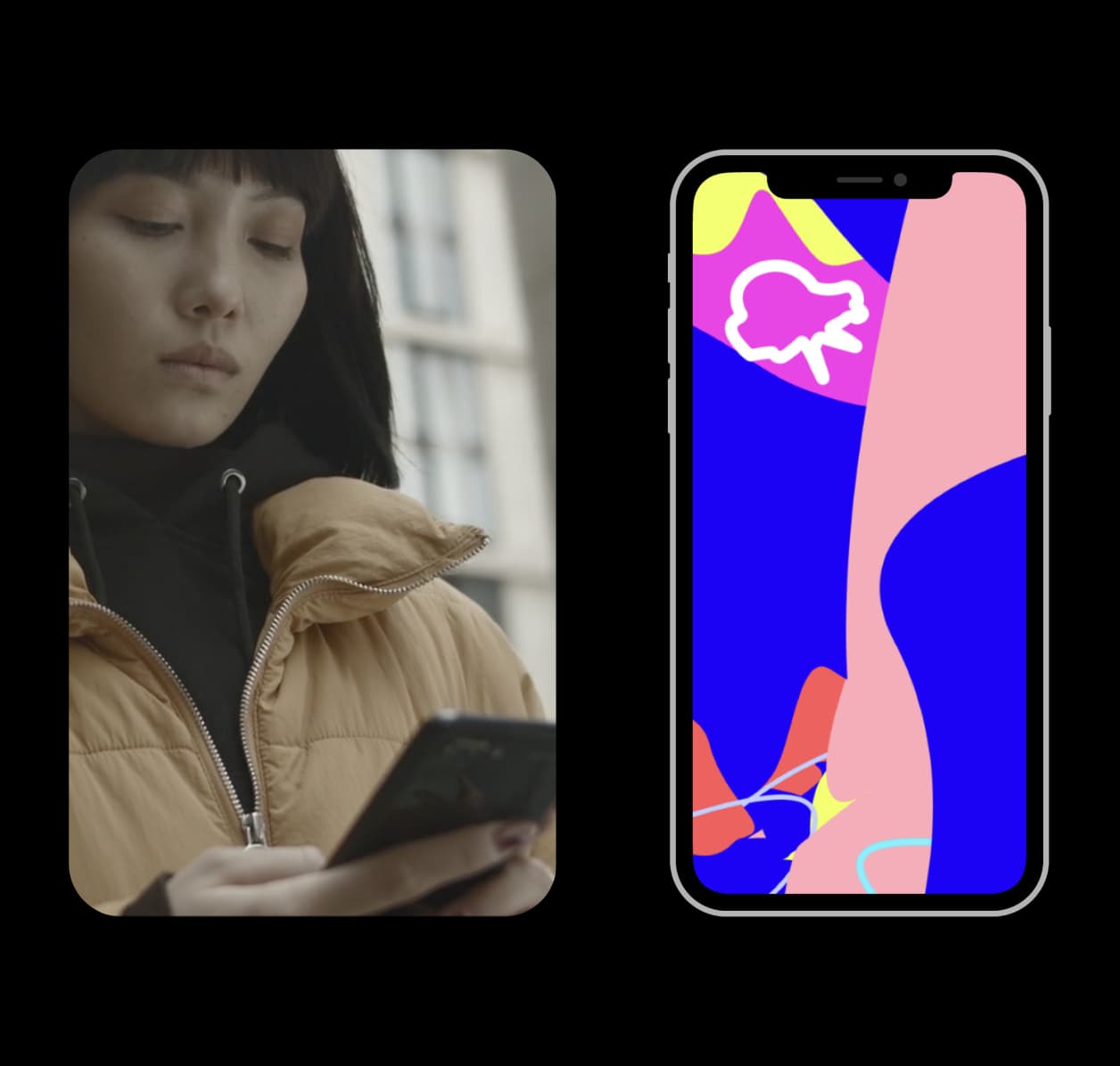
makeART helps the Next Gen makeART by uniquely combining art + tech.
makeART wasn't fully delivering on making art more interactive due to limited design, missing features, and inconsistent performance. I redesigned makeART end-to-end.
I was the sole UX designer partnering + managing engineers and learning from users to bring everything to life.
Mission
Help the Next Gen makeART through intuitive, creative, and evolved design, features, and modes
Timeline
Q3, 2022 – Present
Role
Sole UX Designer · PM · Engineer Collaborator
User Research
After every release of makeART we test the new version of the app with users. In parallel, we continuously track and review quantitative metrics. By combining these methods over major releases we discover and address key problems.
"I want more control and customization over the art I'm making"
Gen Z · Artsy Vibes
"The tools are hard to see sometimes. I don't know they're there"
Millennial · Design Fan
"Is there a more natural way to add art to the canvas?"
Gen Z · Art As Mindfulness
"When I add 100s of art pieces on the screen, the app crashes"
Gen Z · Art Dabbler
"I want to add my photos to the art but it's not intuitive"
Gen Z · Photo Editor
"I love the concept but I need more art options to keep me coming back"
Millennial · Casual Creator
Of the total tools opened and applied by users — tied to not noticing tools
Of users applied art to their photos — photos important to them
Crash rate when getting to 100s of art pieces — code + design bugs
Research Analysis + Identified Problems
After deep diving into what users were saying and cross referencing with relevant metrics we discovered a pattern of key problems. The insights led to a redesign of makeART.
Problems : Limited Art Possibilities
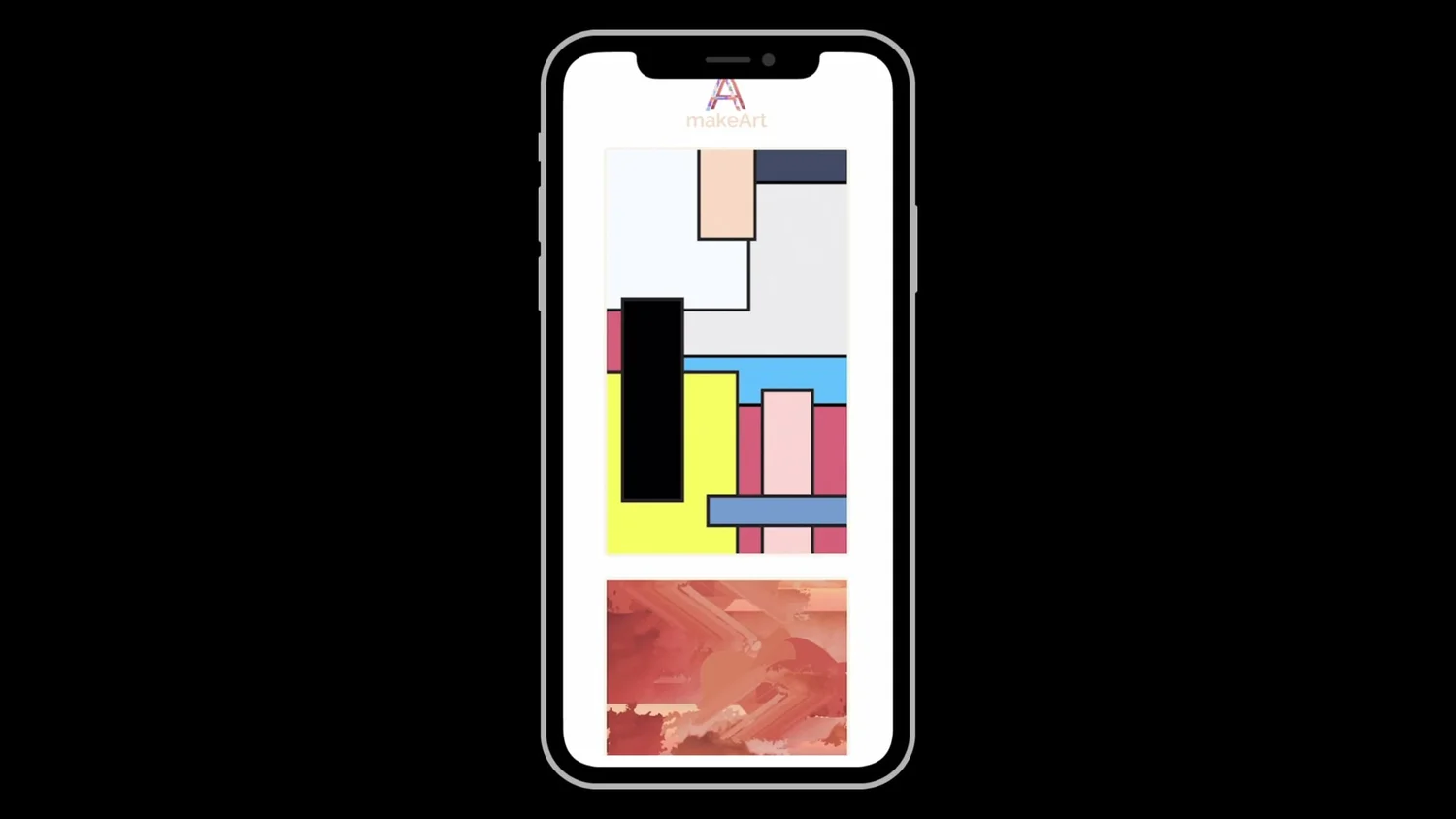
Lack Of Customization
Users were into the instant art UX, but asked for more ways to customize. They lacked the tools to make the art more of their own.
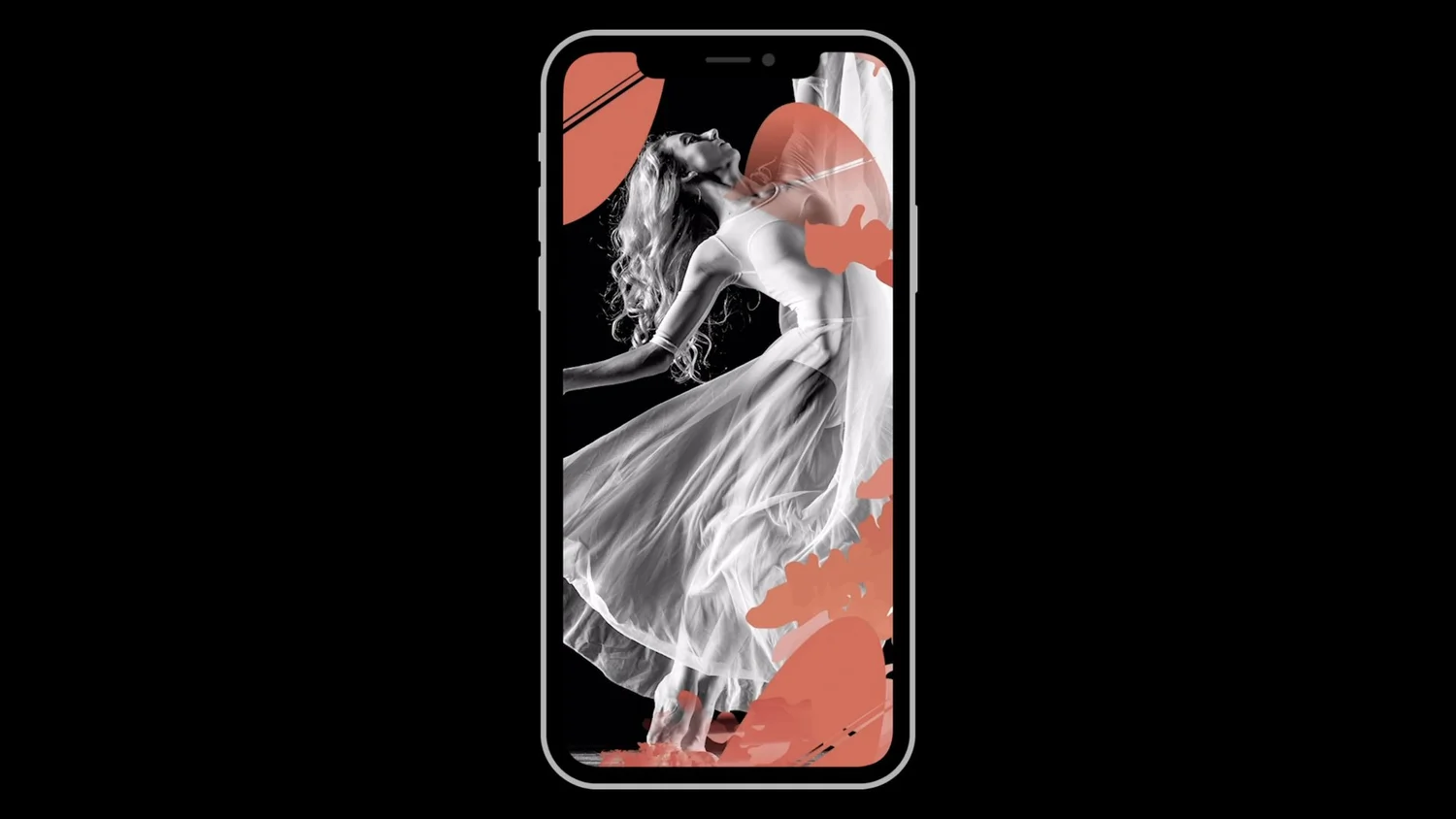
Missing Photos
Creators wanted additional ways to mix their photos with art styles. They could only use their photos as backgrounds.
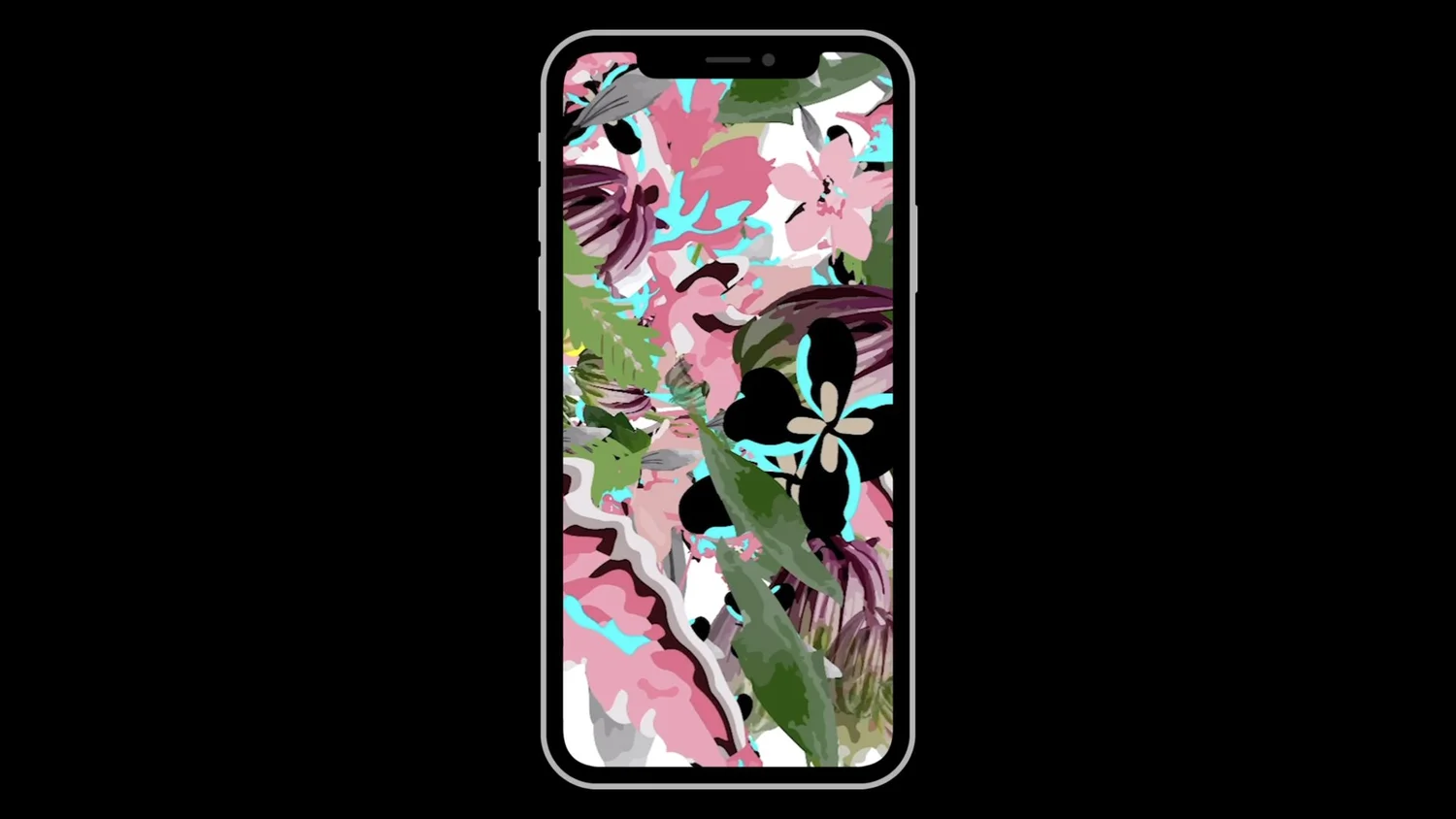
Shortage Of Art Modes
Users called out the need for multiple art modes. They'd use an art mode based on the creative mood they were in.
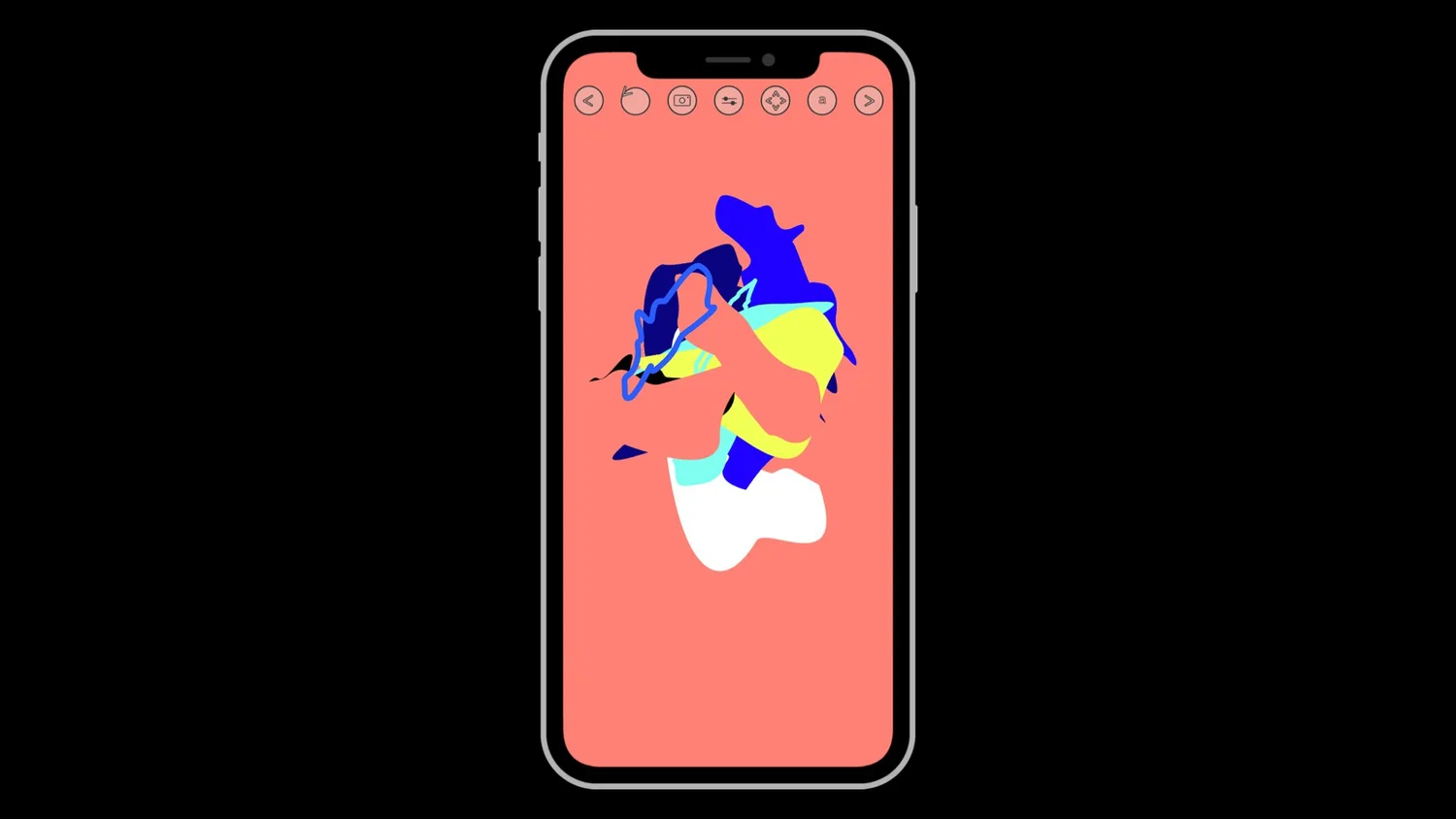
Invisible Interface
Users appreciated the minimal UX as it allowed them to focus on the art, but it was too hidden at times. They would lose track of tools.
Solutions
Based on the key problems we discovered I set out the goal to let users make infinite art with design solutions that were infinitely more interactive, intuitive, and instant.
When redesigning I tested different designs, tools, modes, and systems with users (existing + potential). Here are highlights + more details on the process and its iterative nature.
Designing + Testing + Iterating Solutions
Design
- •Exploration
- •Options
- •Solution based
- •Low-high fidelity
- •Prototype
- •Share with engineers
Test
- •Existing Users
- •Potential Users
- •Share designs, prototypes + betas IRL (art museums, art events) and Digitally (TestFlight)
- •Qualitative + Quantitative feedback
- •Votes on designs + features
- •Capture everything then feed into next design iteration
Iterate
- •Update designs that work
- •Remove designs that didn't work
- •New design, features, modes, flows, icons based on feedback
- •Share + align with engineers on any new features + changes
Test Again
- •Existing Users
- •Potential Users
- •Share designs, prototypes + betas IRL + Digitally (TestFlight)
- •Qualitative + Quantitative feedback
- •Votes on designs + features
- •Capture everything then feed into next design iteration
Code
- •Spec out design
- •Code + design sync
- •Votes prioritize what will be launched
- •Team tests + optimizes multiple rounds before launching
Launch
- •Track + test live release with existing + potential users IRL + digitally
- •Input learnings + feedback into next releases and mid + long term roadmaps
- •Loop design + code process
Solutions : Infinite Art
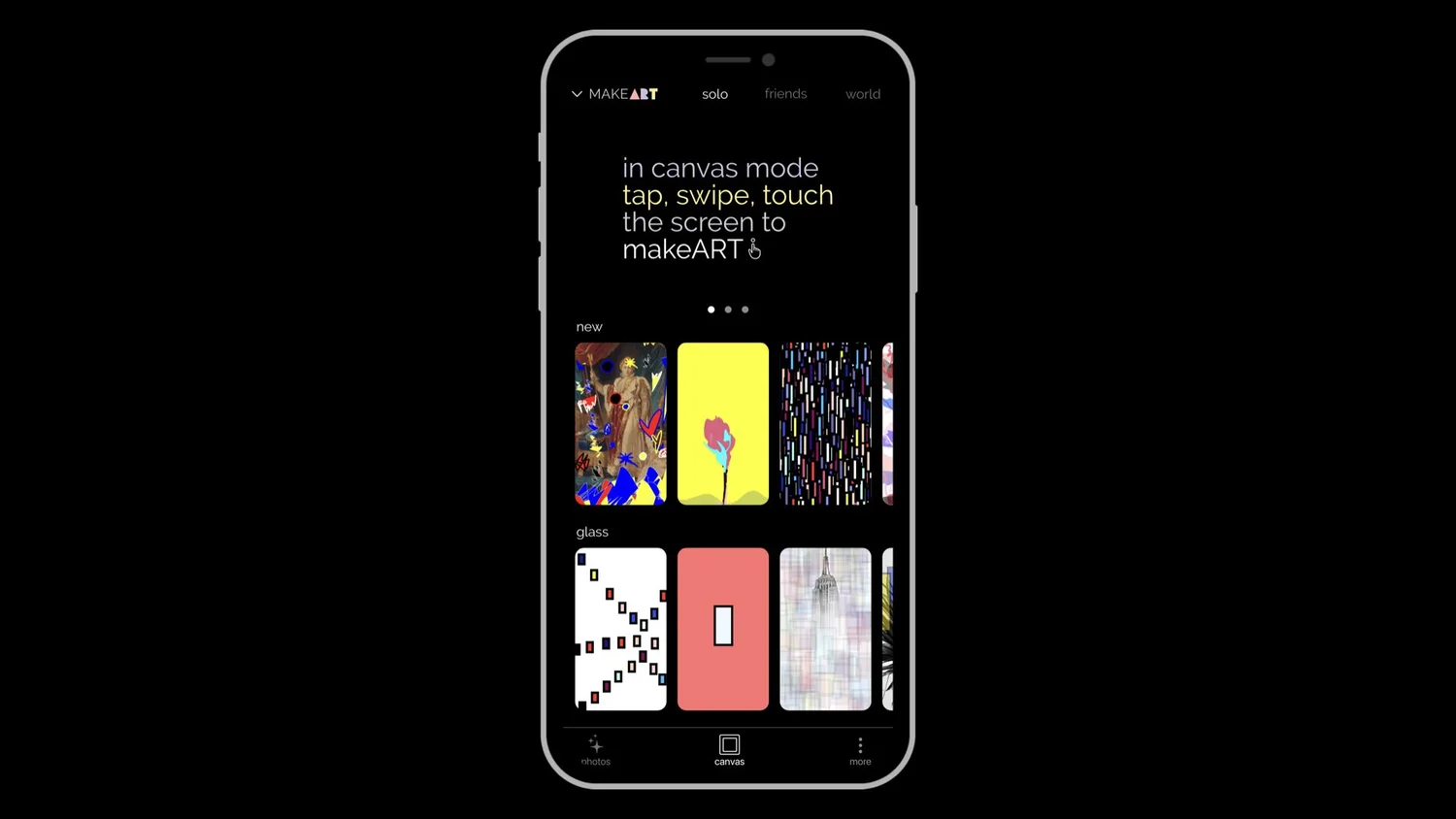
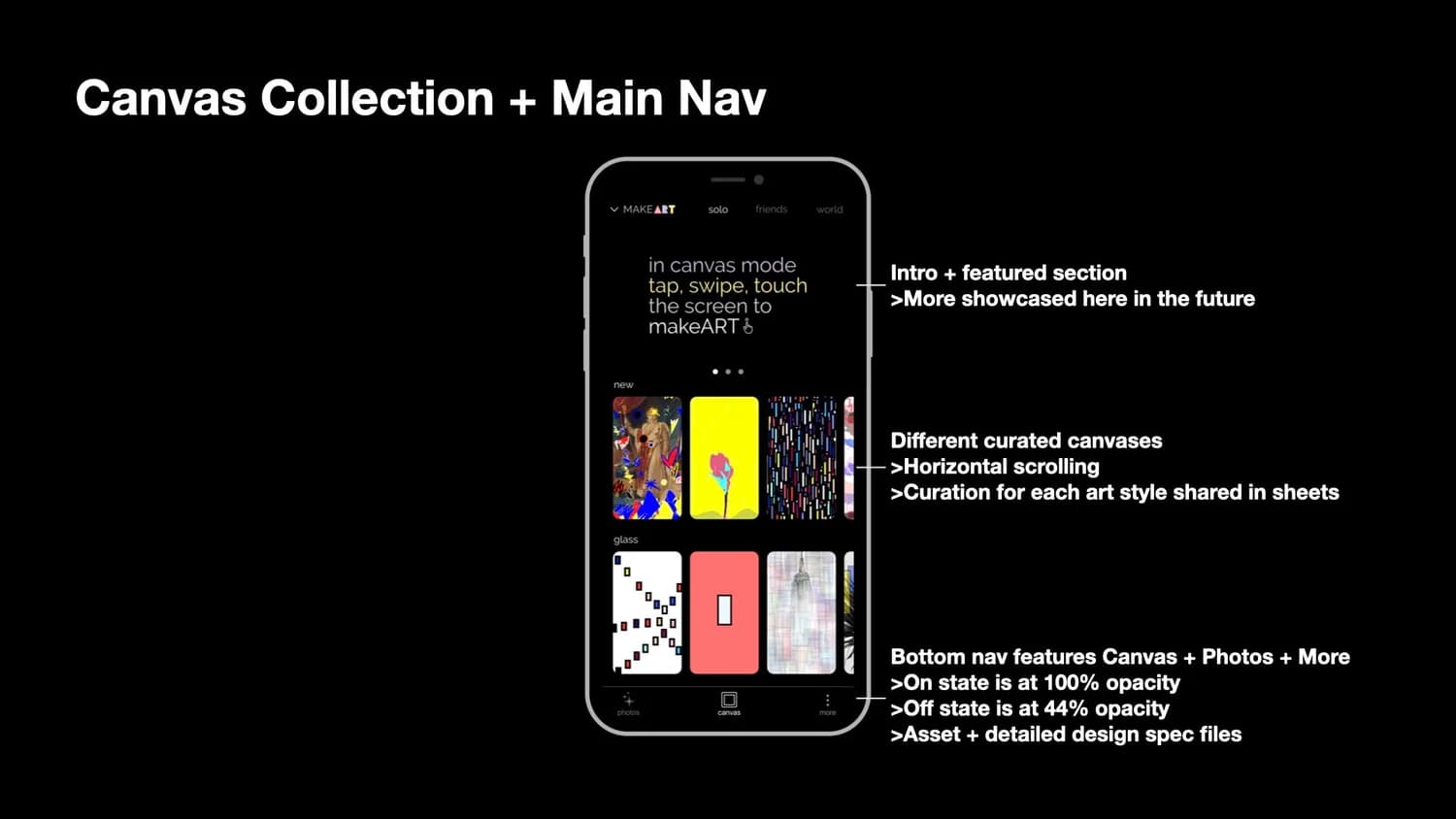
Canvas Collections
Expanding art styles with interactive + designed + curated art collections as a step towards more art possibilities.
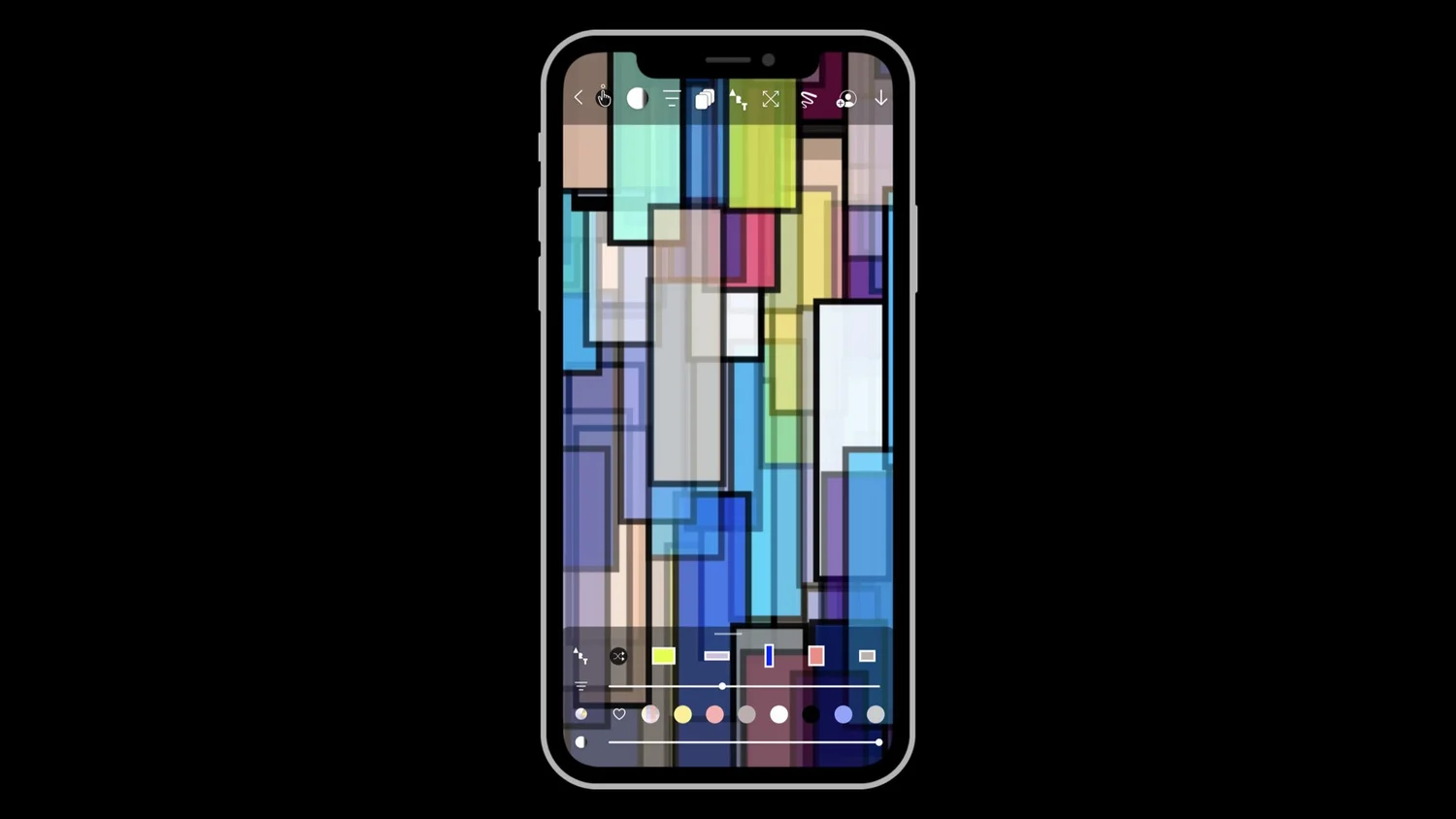
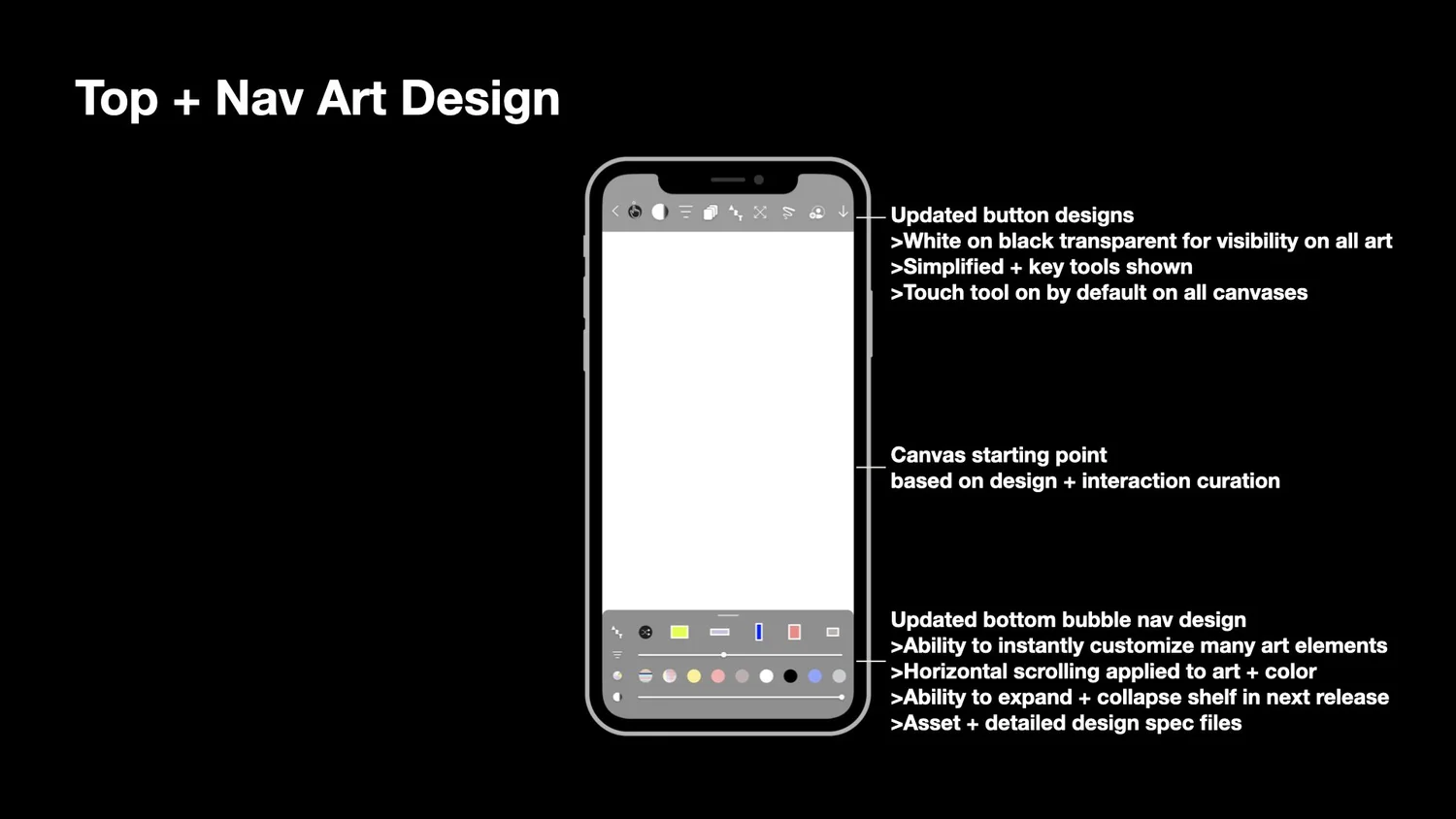
Balanced + Visible UX
Balanced art immersion and canvas visibility with intuitive and exclusive customization tools. Allowing creators to make their own unique art.
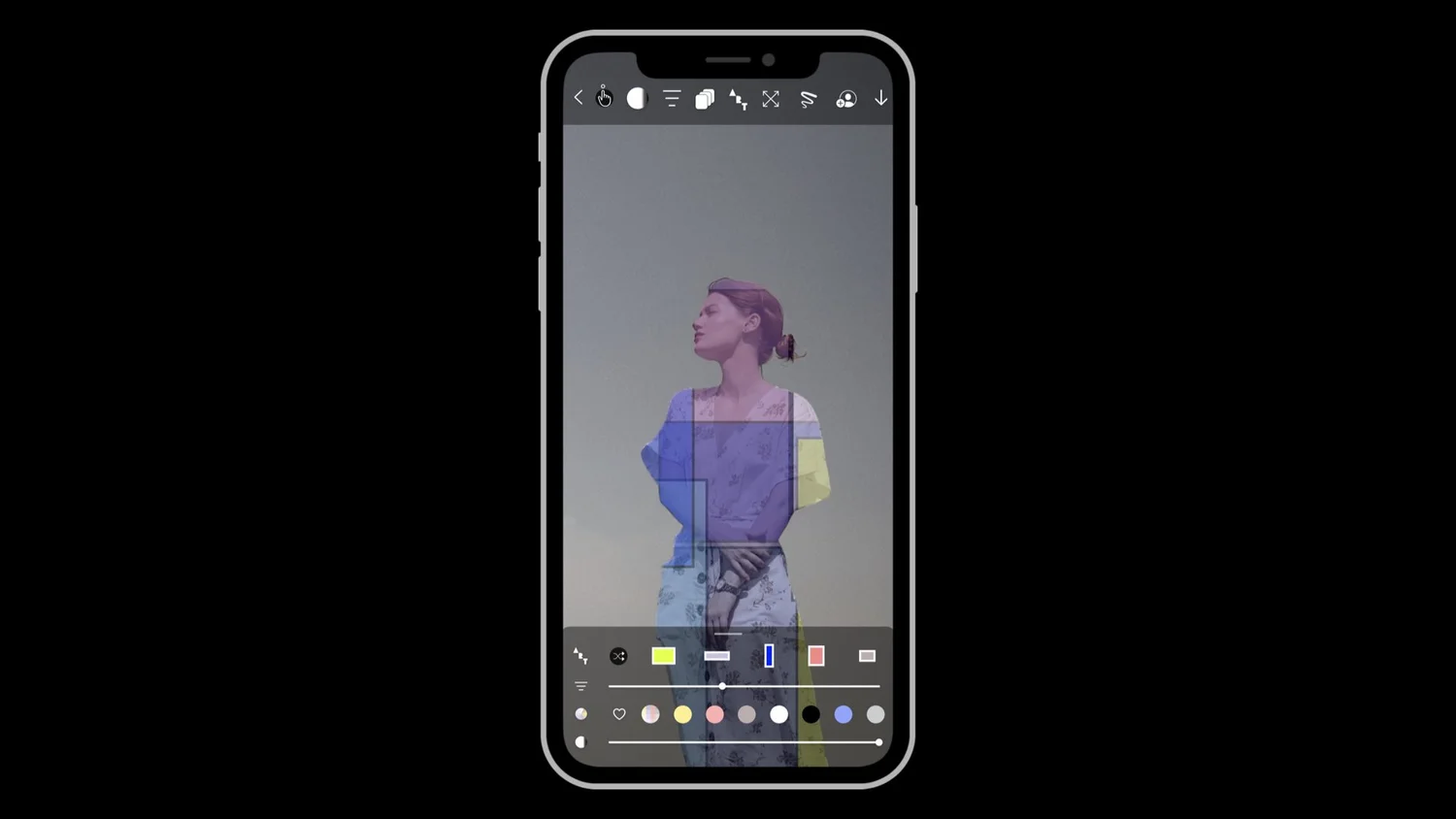
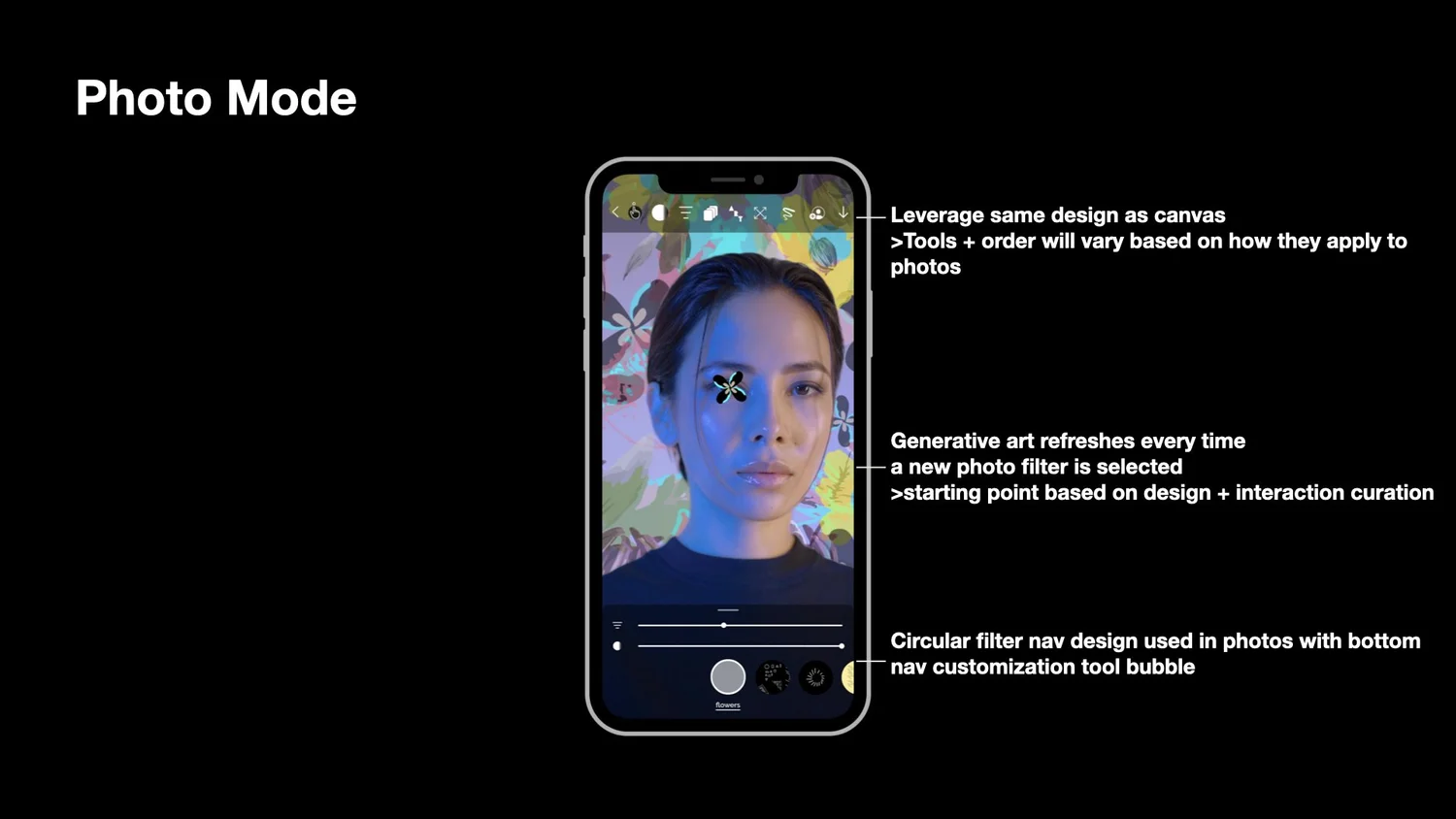
Photo Mode
Adding an additional art mode centered on photos. Applied vision AI to recognize and uniquely mix generative art with people.
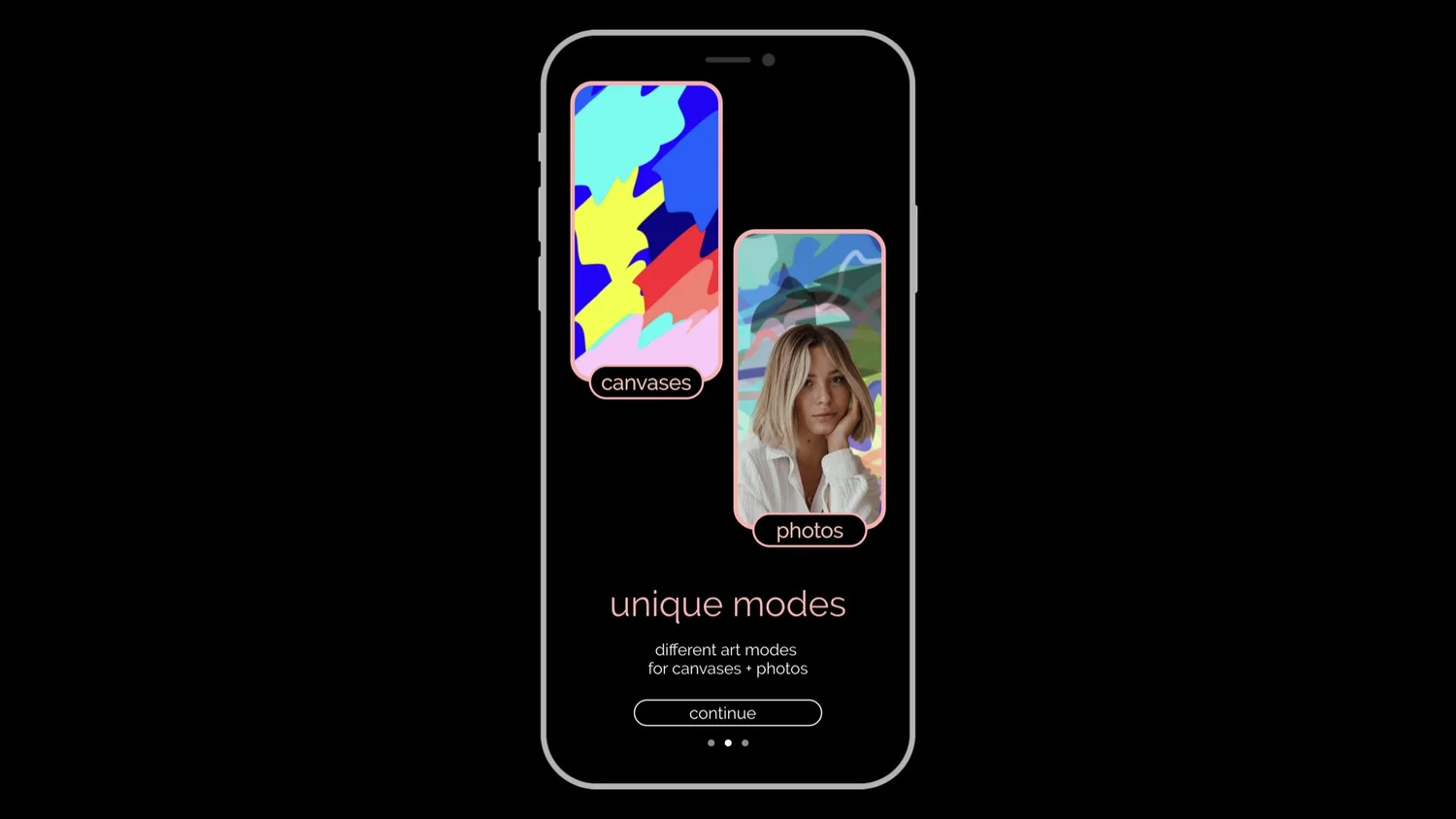
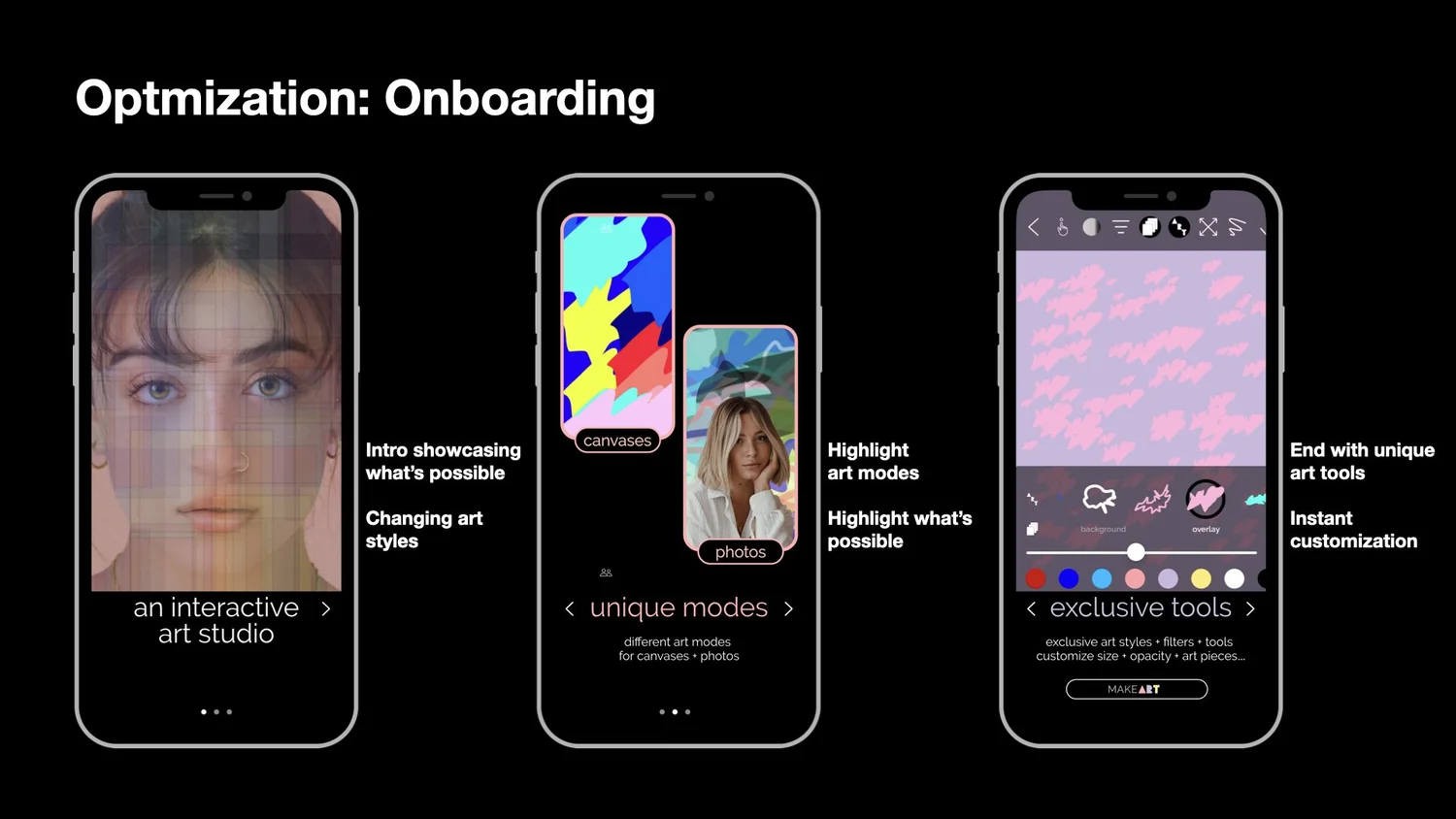
Upgrades For Infinite Art
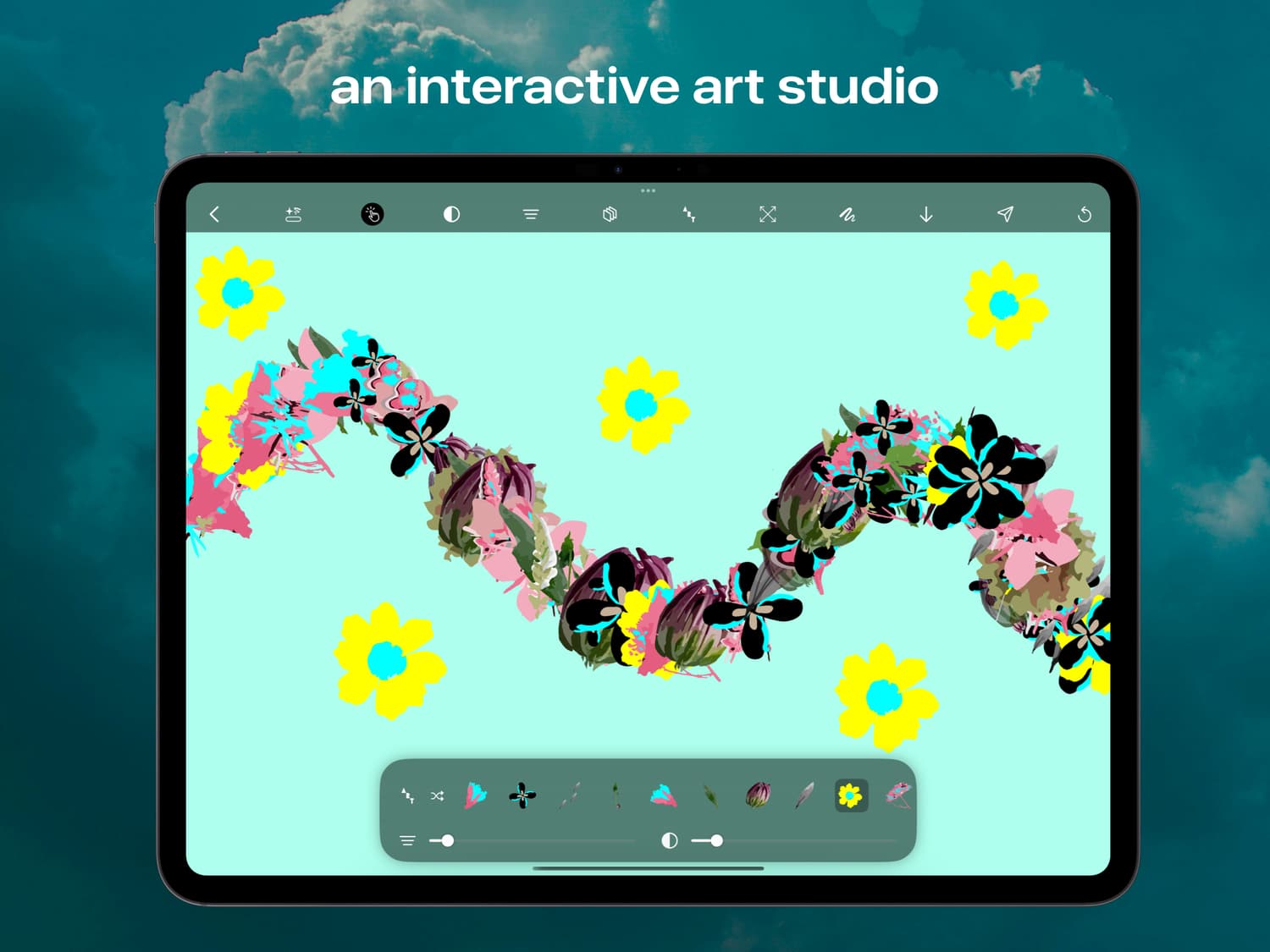
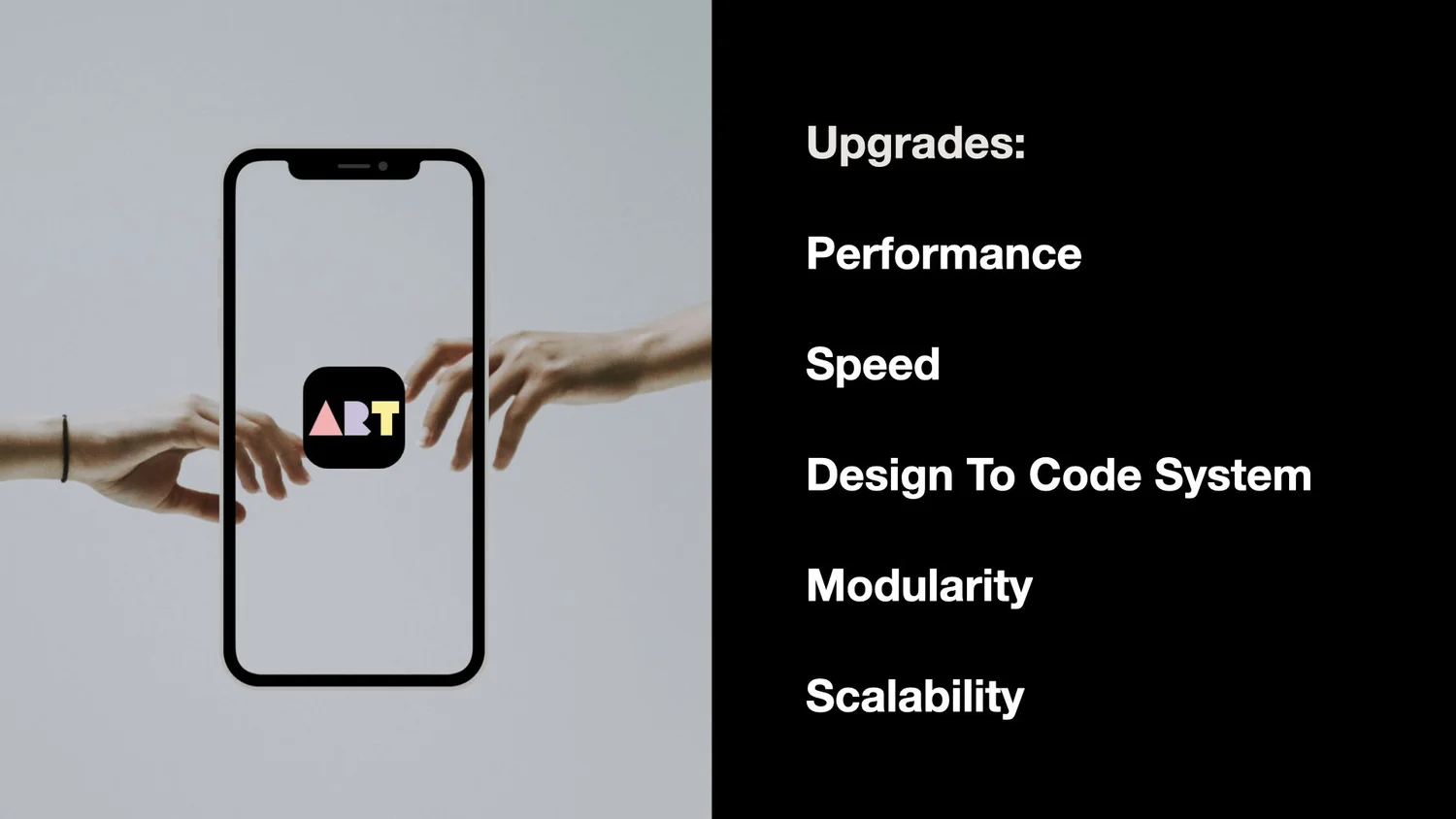
Designed makeART as an interactive art studio that combined and connected different art modes + tools, delivering on the want for infinite art.
Design System
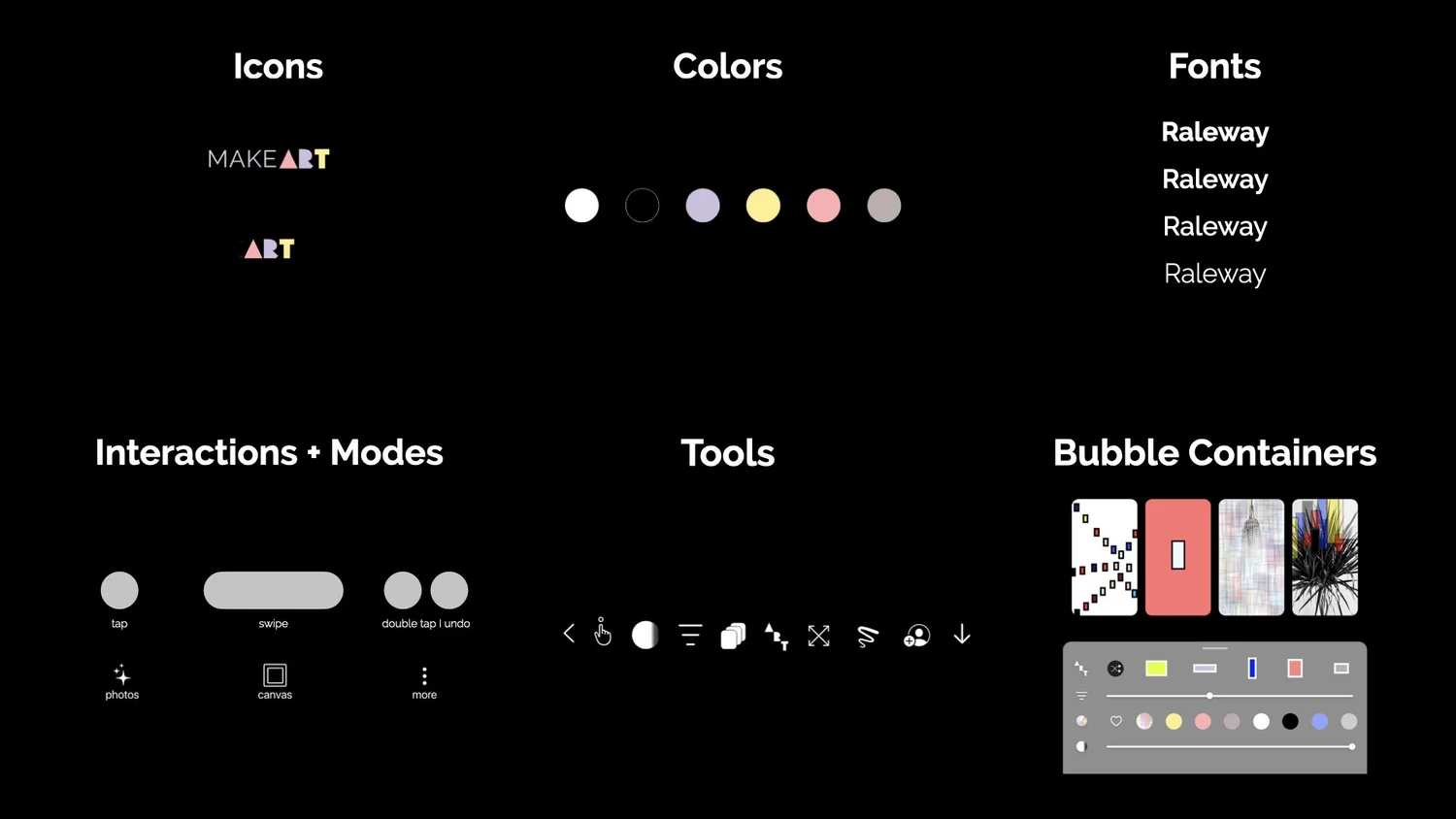
During the redesign I explored every interaction, flow, + visual. After connecting and sharing with new and potential users through several phases we ended with a modern, minimal, and friendly design system.
Touch is the main component to making art. Taps + swipes can instantly makeART in every current and future mode. All design showcases the art and interactivity of makeART while having balanced interfaces and seamless flows.
I applied the same design feedback + voting process to icons, buttons, systems,…everything. There were thousands of elements explored. Amazing getting to standout winners by having the majority choose.
Outcomes
makeART's redesign helped users exponentially level up their ability to customize their art with new features, modes, flows, and an underlying system.
There are opportunities that we're working on now to make larger leaps towards infinite art — allowing users to infinitely make their own art by tapping into millions of art styles, every element in a style, and every interaction.
"I like the way I can change different art elements until I find my style, my aesthetic"
Millennial · Visual Creative
"makeART helped me explore styles I never would have tried on my own"
Gen Z · Art Student
"The photo mode is my favorite — I use it every day"
Gen Z · Art Goer
"The new canvas collections are beautiful. So many more options now"
Gen Z · Design Centric
"It actually feels like a real art studio now"
Millennial · Graphics
"I share my makeART pieces more now — they look so much better"
Millennial · Social Poster
Art tools opened and applied by users to the art they make
Average time spent by power users in art sessions
Users mix their photos with art
Crash rate when getting to 1,000's of art pieces on screen
Roadmap + Peek Of The Future
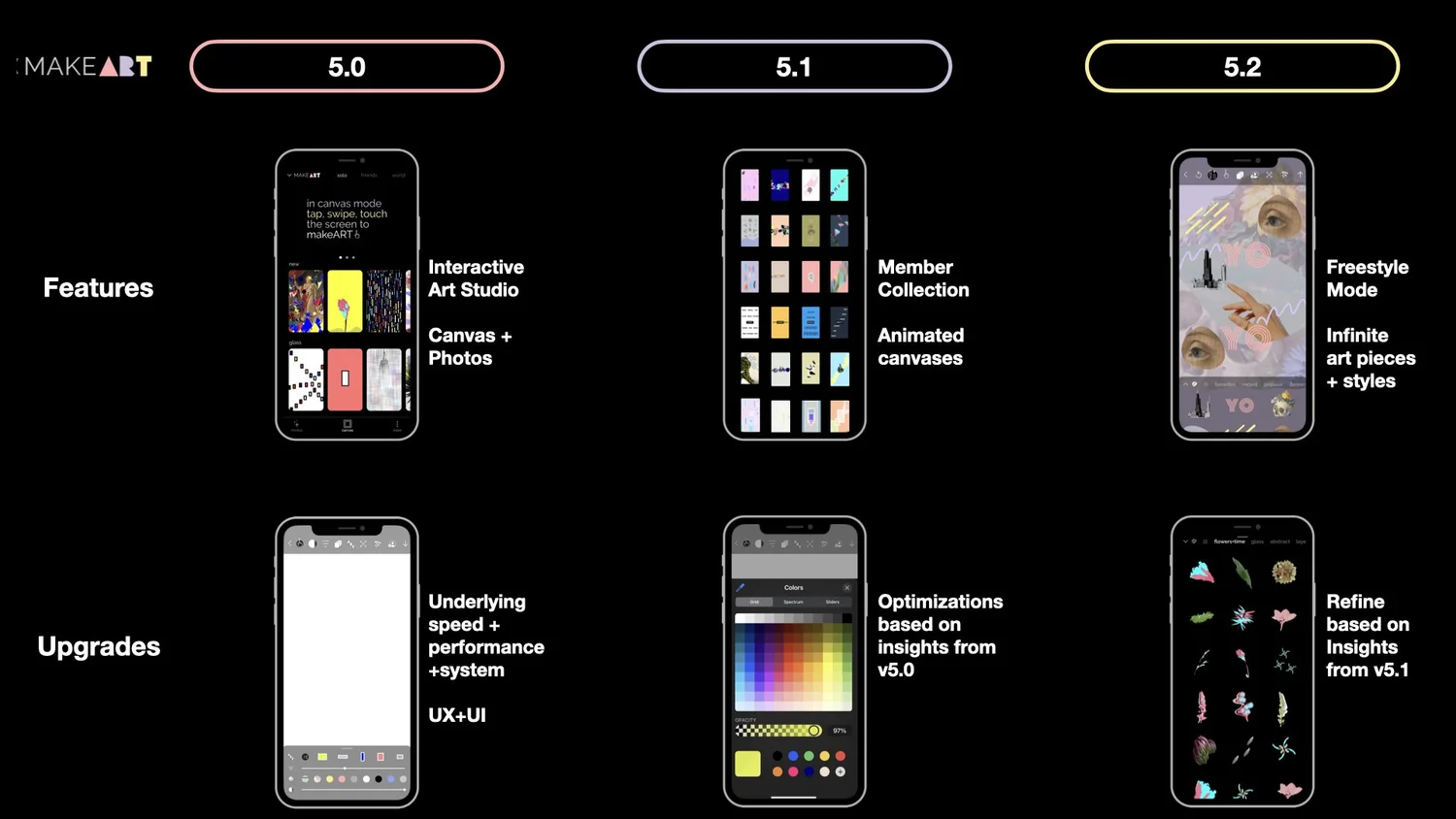
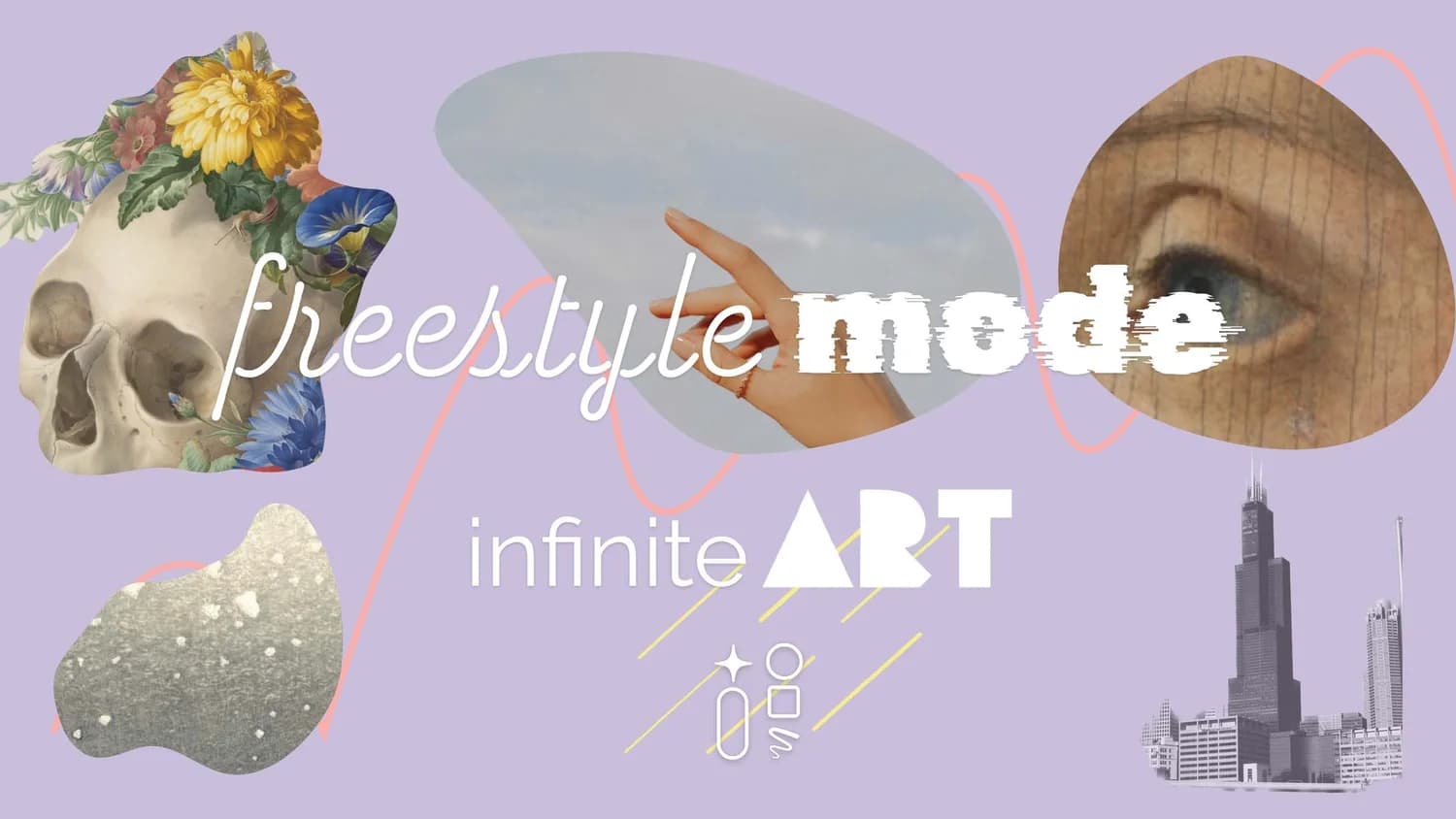
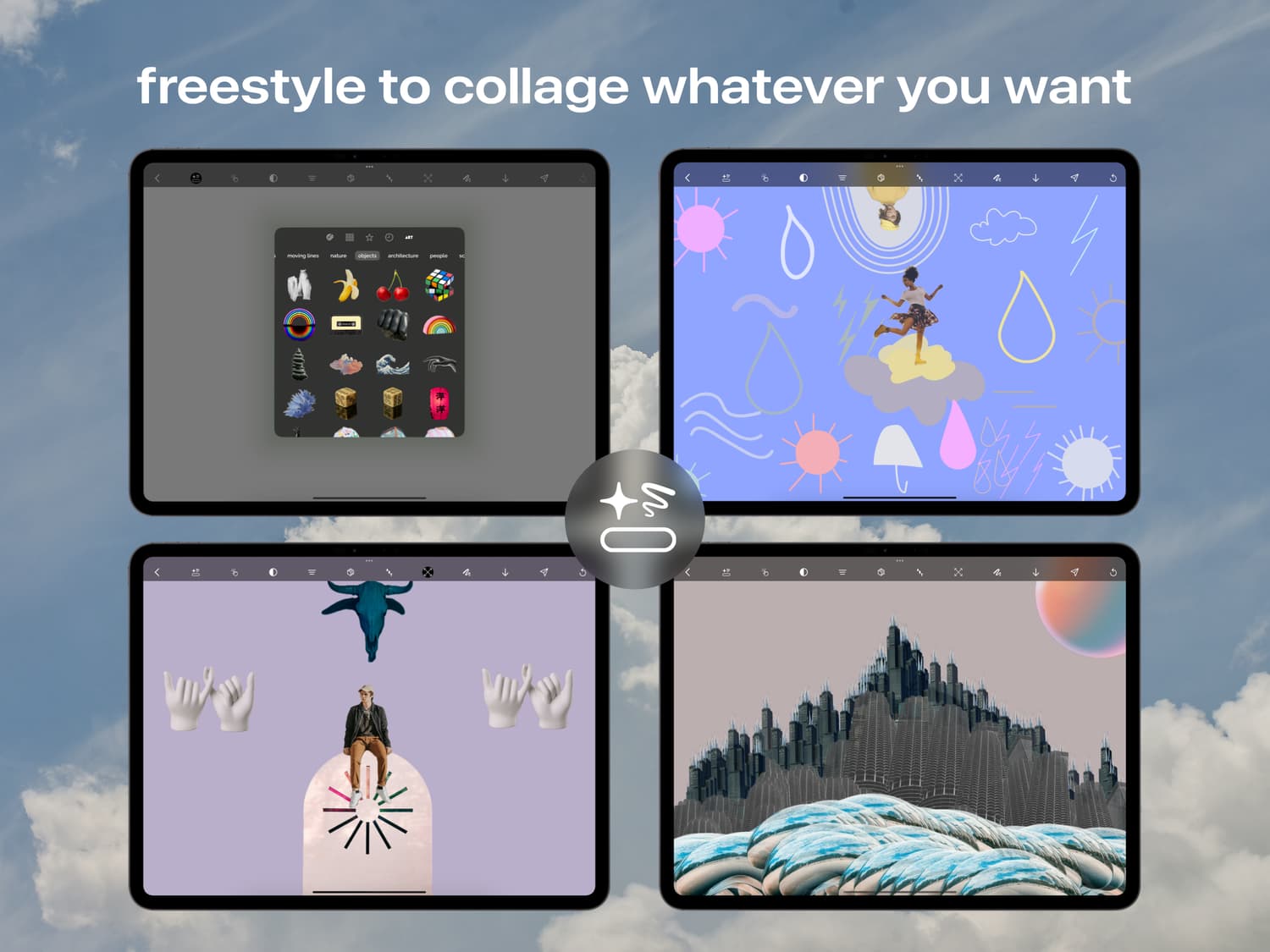
Freestyle : Infinite ART
Design prototypes tested and iterated on IRL + digitally 10+ rounds. Shared and iterated with existing and potential users + with makeART and Apple engineers.
Designed + Destined for the iPad
Beautifully designed and built for the iPad's infinite canvas. Play with makeART Studio on the iPad (or Mac) to experience an amazing + surprising interactive experience.